

Work with your corpus where your tools are — keep the shared database as the single source of truth.
A desktop client for teams that annotate and review media-linked corpus data. Connect to your Corpus Mini server, work locally in the tools you already use, and sync results so everyone stays aligned.
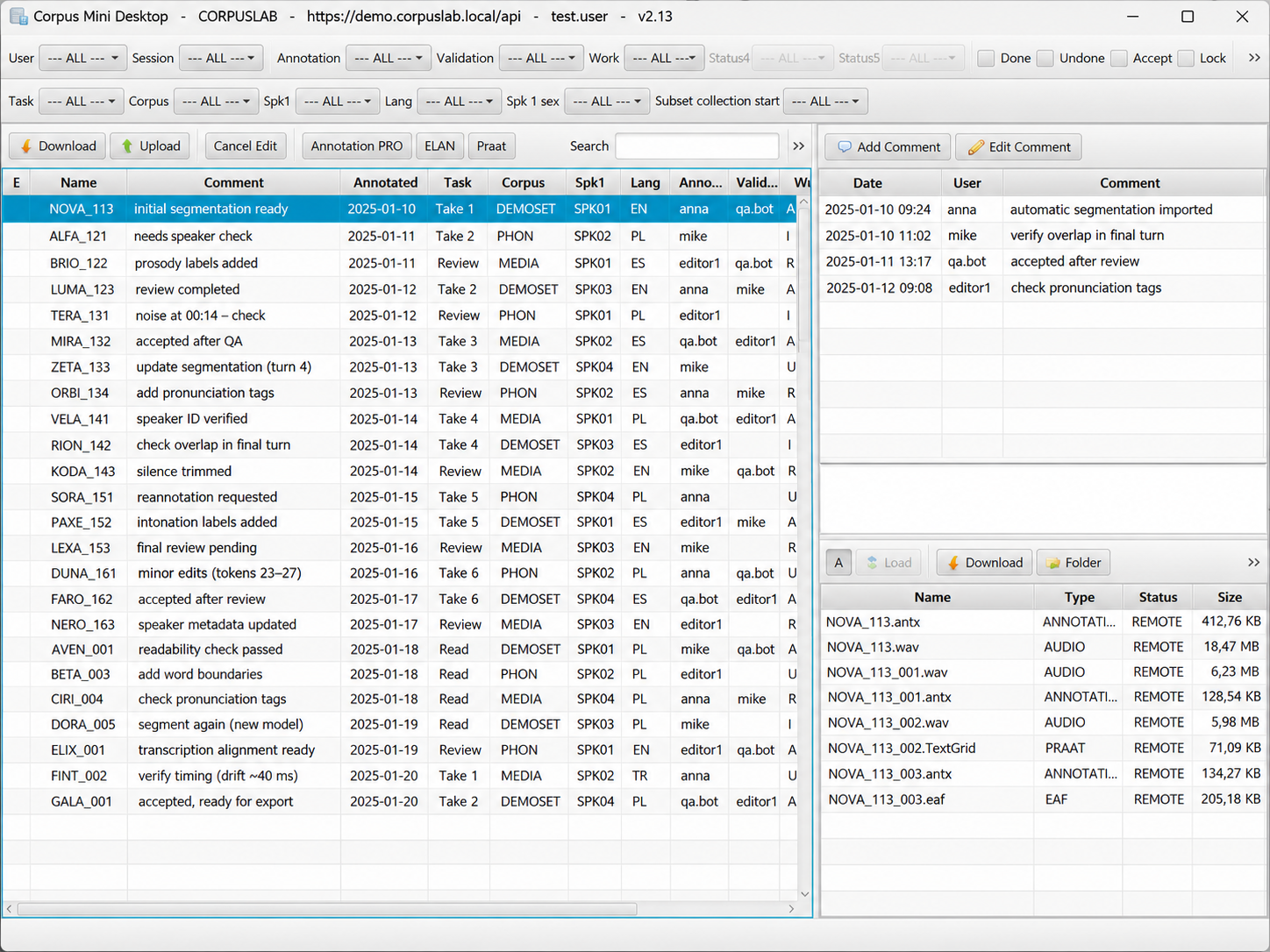
How it works
Three steps from shared corpus to finished annotation.
Download
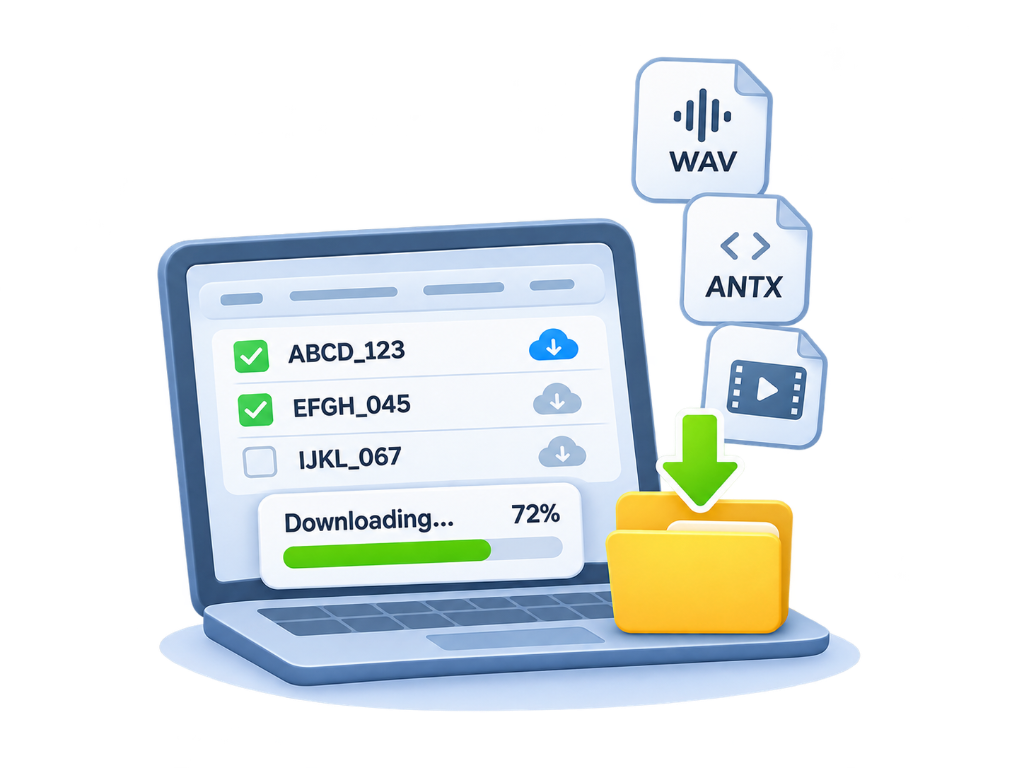
Filter the sessions you need and download files plus media to your local workspace.
Annotate
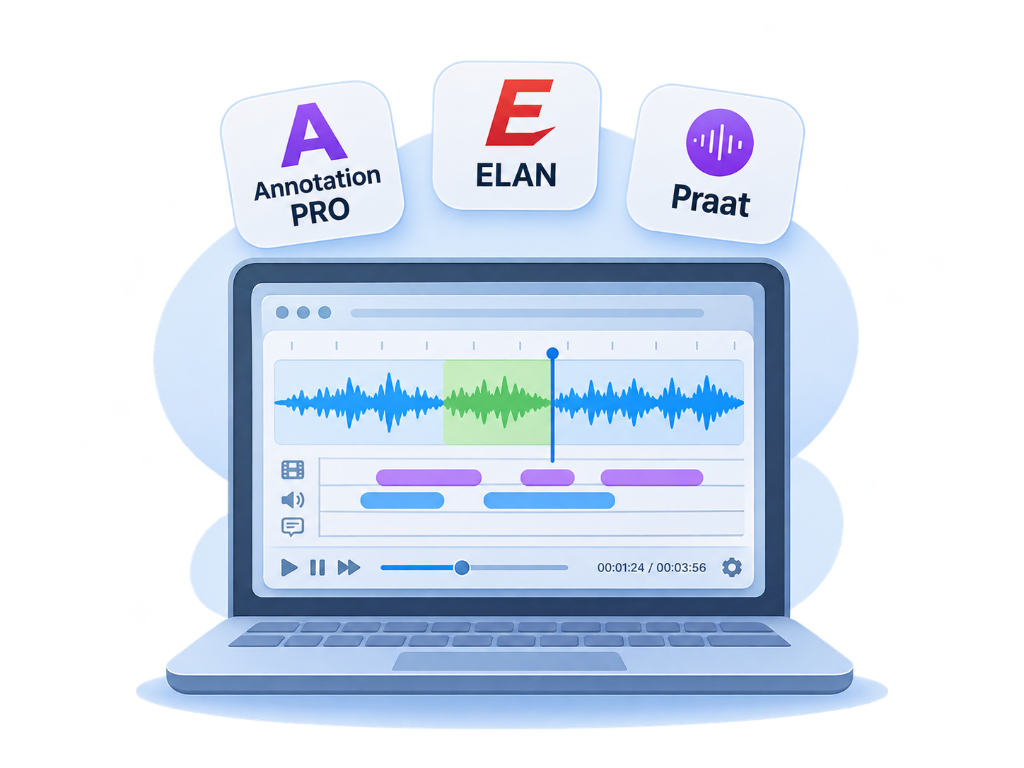
Open work in Annotation PRO, ELAN, Praat, or other project tools — right from the desktop client.
Sync
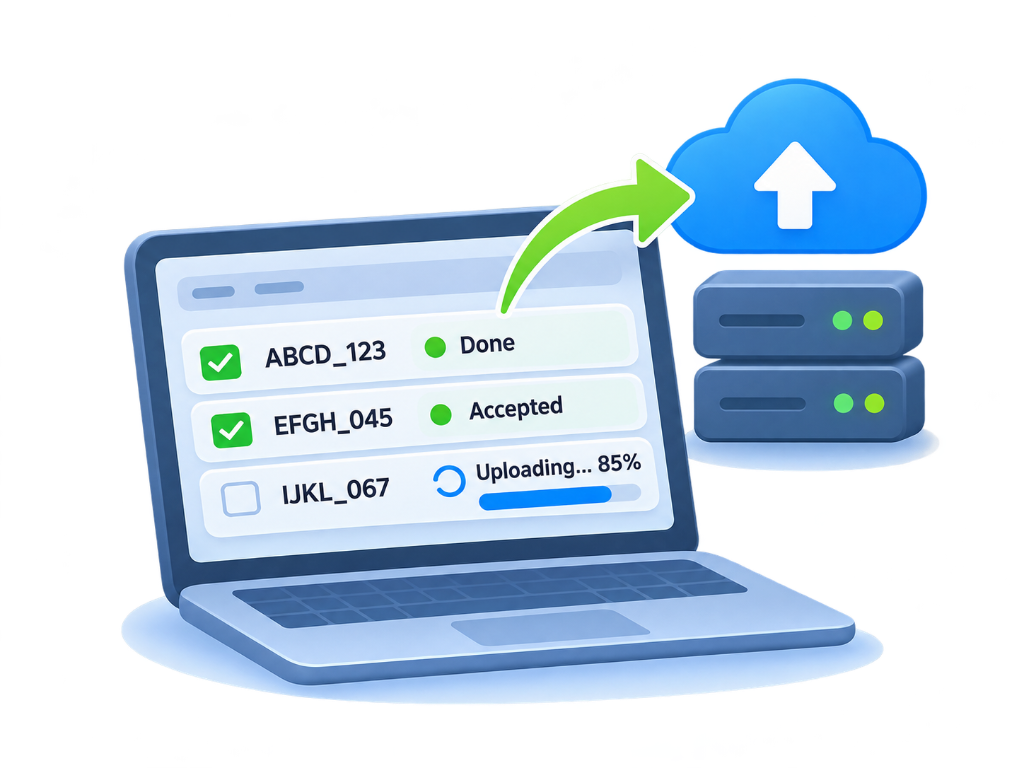
Upload results so statuses, locks, and comments stay visible to the whole team on the server.
Why teams choose Corpus Mini Desktop
Shared corpus control with desktop speed — without losing the single source of truth.
Shared corpus
One Corpus Mini database for the whole team. Download and upload keep the server as the authoritative place for files, statuses, and ownership.
Local work
Keep a local media repository on your machine. Download once, annotate offline in specialist tools, then sync when you are ready.
Safe collaboration
Locks, workflow flags, and file comments help teams avoid overwrites and keep review feedback on the file itself.
Smart filtering
Find the right sessions fast with metadata, status, user, and search filters — even in large collections.
Tool integrations
Open Annotation PRO, ELAN, Praat, or project apps in one click — then upload results back to the shared corpus.
Secure connection
Connect with Corpus Mini login, optional gateway credentials for institutional networks, and reusable connection presets.
Download Corpus Mini Desktop
Native installers for Windows and macOS (Apple Silicon).